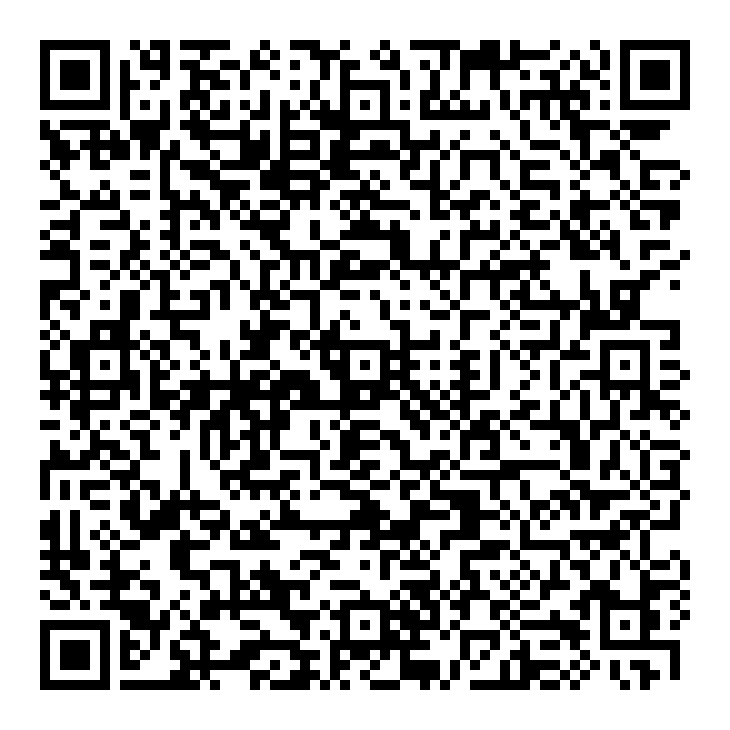
Choose what your gift supports, pay with any Philippine bank or e-wallet app using the Club's QR Ph code, then send us your proof of payment so the Secretariat can issue your official receipt.
1
Choose what your gift supports
2
Pay with QR Ph
ROTARY CLUB OF MANILAQR Ph · RCBC QR Pay · no feesSave QR image
Open your bank or e-wallet app such as GCash, Maya, BPI, BDO, RCBC or any app with QR Ph.
Choose Scan QR or Pay QR and point your camera at the code. On a phone, tap Save QR image first, then choose Upload QR in your app.
Check that the name shows Rotary Club of Manila, enter the amount, and confirm.
Take a screenshot of the confirmation screen. You will attach it below.
3
Send us your proof of payment
The Secretariat matches it with the Club's bank record and sends your official receipt.